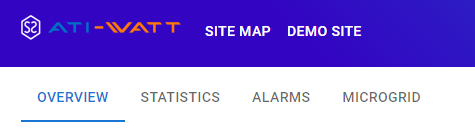
Appearance
Site Map
After logging into the account, the first page displayed is the site map. This map provides a visual representation of your projects location, offering an overview of your properties and sites key information.
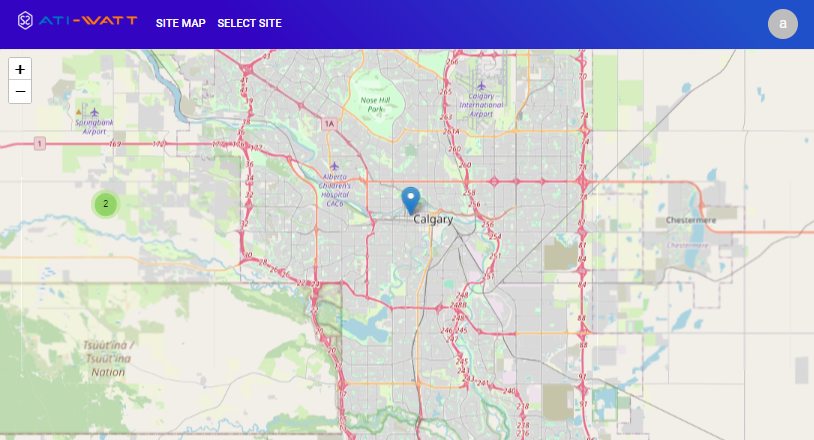
Click the “+” button to zoom in, “-” button to zoom out.
Select Site
To select a site, click the "SELECT SITE" tab located on the top bar. Choose the site name from the list.
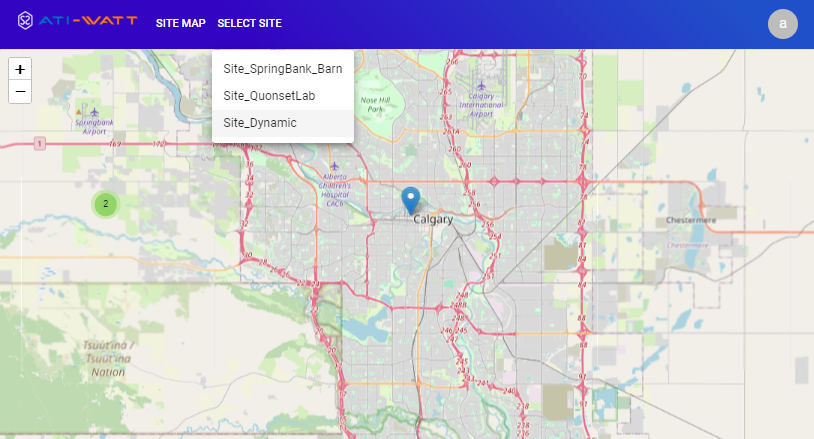
Once the site is selected, general information regarding the Battery, PCS, PV inverter, and load will be displayed. Statistical information about energy production history are provided under "STATISTICS" tab. Additionally, alarms can be set under the "ALARM" tab. In the "MICROGRID" tab, real-time data related to the microgrid can be observed.