Appearance
Setting Page
- Press the Menu button.
 After entering the interface, press Setting.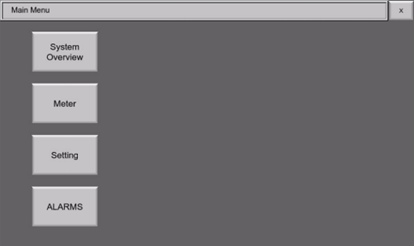
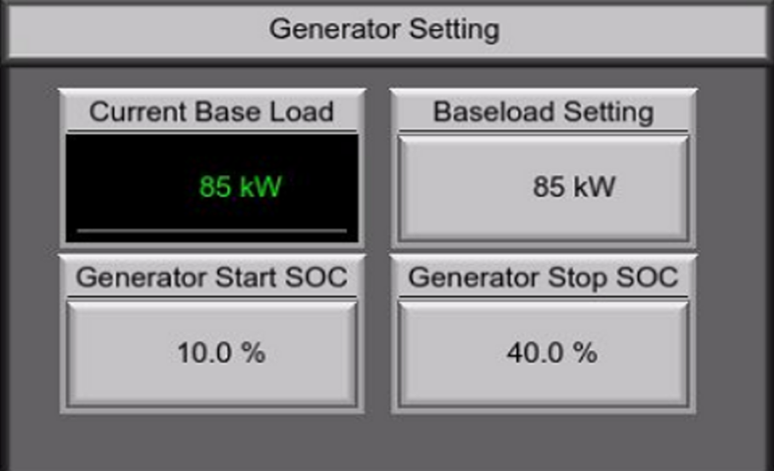
- In the settings menu, you can configure the following parameters.
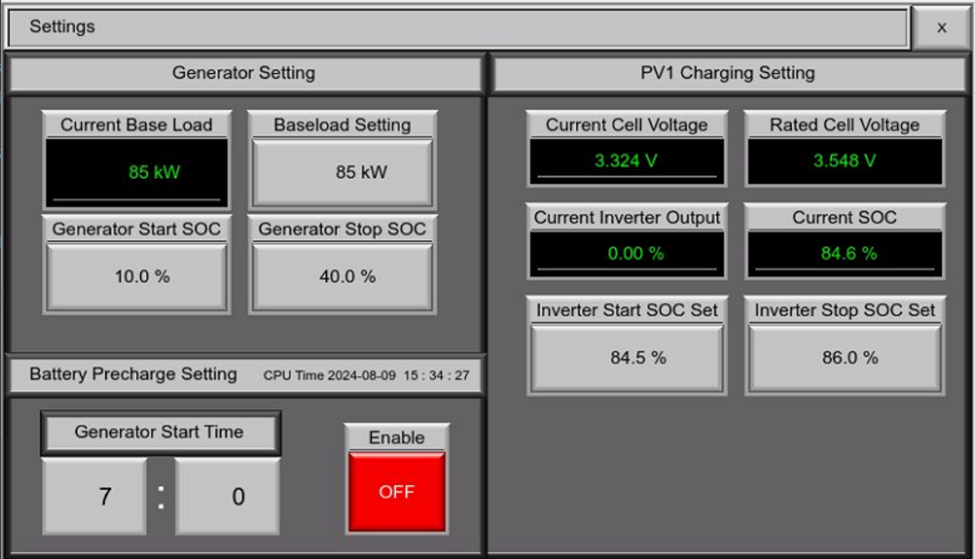
Generator Setting
Baseload Setting
The generator will operate approximately at this power level, ensuring the system maintains a consistent output to meet the minimum energy demands.
- Press the numerical entry under the “Baseload Setting”.
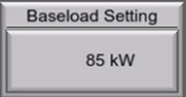
- Enter the desired baseload power.
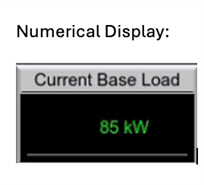
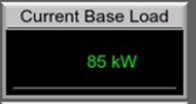
- Wait until the numeric display under “Current Base Load” matches the value entered, then the generator is operating at designated base load setting.
Generator Start SOC
This setting defines the battery’s State of Charge (SOC) threshold. When the SOC drops below this value, the generator will automatically start to recharge the batteries or support the load.
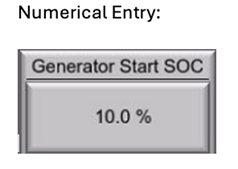
- Press the numerical entry under the “Generator Start SOC”.
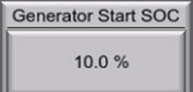
- Enter the threshold SOC level at which the generator will automatically start.
Generator Stop SOC
This setting determines the battery’s State of Charge (SOC) level at which the generator will automatically stop. Once the battery SOC exceeds this threshold, the generator will cease operation, indicating the battery is sufficiently charged.
- Press the numerical entry under the “Generator Stop SOC”.
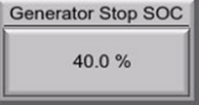
- Enter the threshold SOC level at which the generator will automatically stop.
Battery Pre-Charge Setting
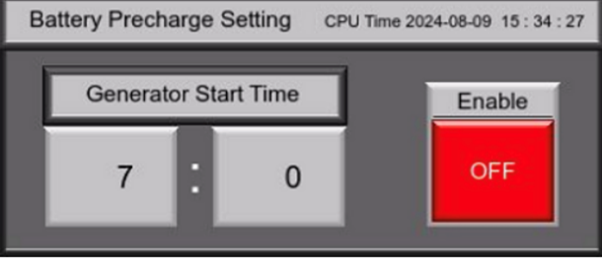 This setting configures the charging parameters for the battery prior to full operational use.
- Press the “Enable” button to enable or disable this function.
- Once the Battery pre-charge function is enabled, press the numerical entry under “Generator Start Time” to enter the time.
- The Generator will start charge the battery at designated time.
PV1 Charging Setting
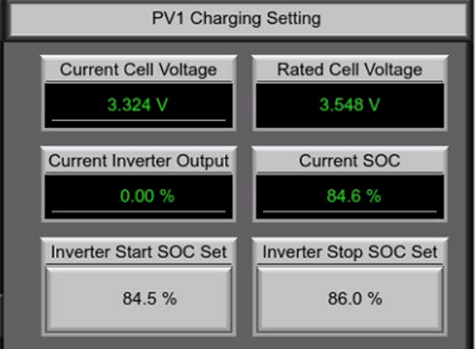
Inverter Start SOC
The inverter will start output power when the battery's State of Charge (SOC) falls below the designated threshold. This ensures the battery begins charging as required.
- Press the numerical entry under “Inverter Start SOC Set”.
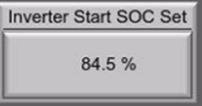
- Enter the SOC level at which the inverter will start.
Inverter Stop SOC
The inverter will stop output power when the battery's SOC reach the set value, preventing overcharging and keeping battery healthy.
- Press the numerical entry under “Inverter Stop SOC Set”.
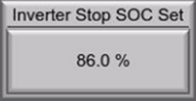
- Enter the SOC level at which the inverter will stop.