Appearance
Normal Operation
Auto Mode
In Auto Mode, when the ON button is pressed, all devices will start automatically in the designated sequence. Similarly, pressing the OFF button will stop all devices in reverse order.
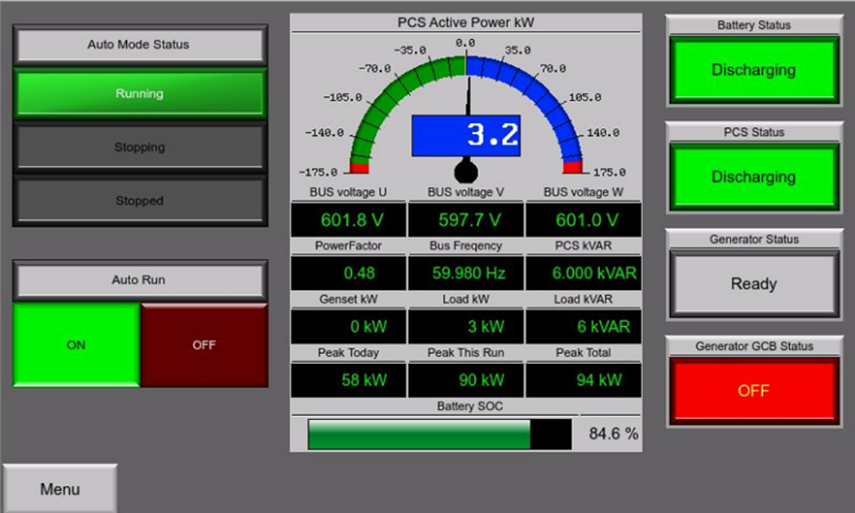
- Turn the Panel Power Switch to the ON position, set the MAN/AUTO Switch to Auto.
- On the HMI, under Auto Run, press ON button.
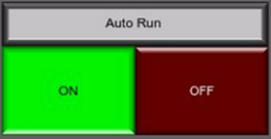
- The system will automatically initiate the start-up sequence.
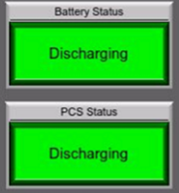
- After 2-3 minutes, the Battery Status and PCS Status will show either "Discharging" or "Charging," confirming that the system is functioning normally.
Manual Mode
In manual mode, users can individually control the operation of each device. To enable manual mode, rotate the MAN/AUTO switch to the "MAN" position.
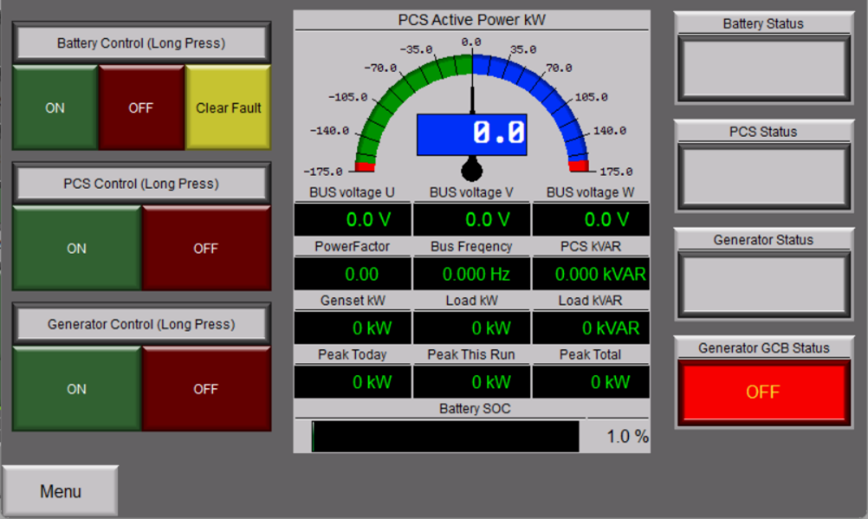
Power Conversion System (PCS) manual control
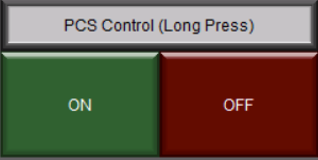
Turn On
Long press “ON” Button  to turn on the PCS manually. The “ON” Button will light on, the “OFF” button will light off.
Turn off
Long press “OFF” button  to turn off the PCS manually. The “OFF” Button will light on, the “ON” button will light off.
Manual Clear Fault
When the system detects a fault, and shut down, user can switch to manual to clear the fault to reboot the battery. To clear the fault, long press the “Clear Fault” button. 
Generator manual control
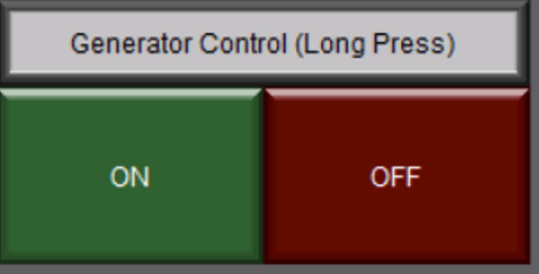 The generator manual control section allows user to start/stop the generator manually.
Turn On
Long press “ON” Button to turn on the PCS manually. The “ON” Button will light on, the “OFF” button will light off. Generator will strat running.
Turn off
To manually turn off the battery, long press the "OFF" button . Once the battery is turned off, the "OFF" button will illuminate, and the "ON" button will no longer be lit. Generator stop running.